



Back to Top Button
Configurable back-to-top button with animation choice, custom icon, position and option to hide on mobile devices.
zł20.00

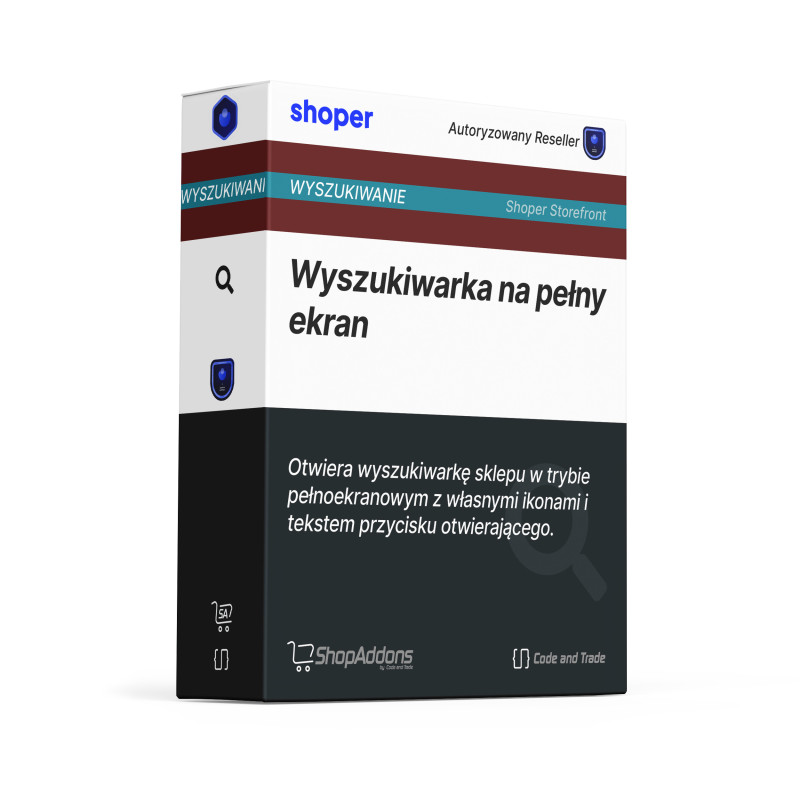
Opens the shop search in fullscreen mode. Custom icon and text for the search button, custom close icon and form button icon.
Opens the shop search in fullscreen mode. Custom icon and text for the search button, custom close icon and form button icon.
Adds a button opening the search in fullscreen mode. Native Shoper search with suggestions in a new fullscreen layout.
The module extends the default Shoper Storefront functionality with the following features:
No coding needed: all options are set via checkboxes and text fields in the settings panel. Compatible with the AVANT Storefront theme and the native Shoper interface.
Step 1: Installation. Install the module from the Shoper AppStore and place it in the SVE theme editor on the desired page.
Step 2: Configuration. Set all options in the module settings panel - no coding required.
Step 3: It works automatically. The module is active on all relevant pages of your shop immediately after saving.
This module is designed for the Shoper Storefront template.
See the module in action on our demo store: AVANT Storefront Demo
Buy module: Go to Shoper AppStore
Configurable back-to-top button with animation choice, custom icon, position and option to hide on mobile devices.

Displays selected categories as tiles or a Splide carousel. Configure column count for 4 screen sizes, product count and subcategories.

Professional mega menu with icons, badges, tile and grid category modes and extended mobile sidebar with contact data and social media.
Opens the shop search in fullscreen mode. Custom icon and text for the search button, custom close icon and form button icon.