


Category Image Plus
The module displays a visual category block and can automatically use the native image of the current Prestashop category.
zł149.00

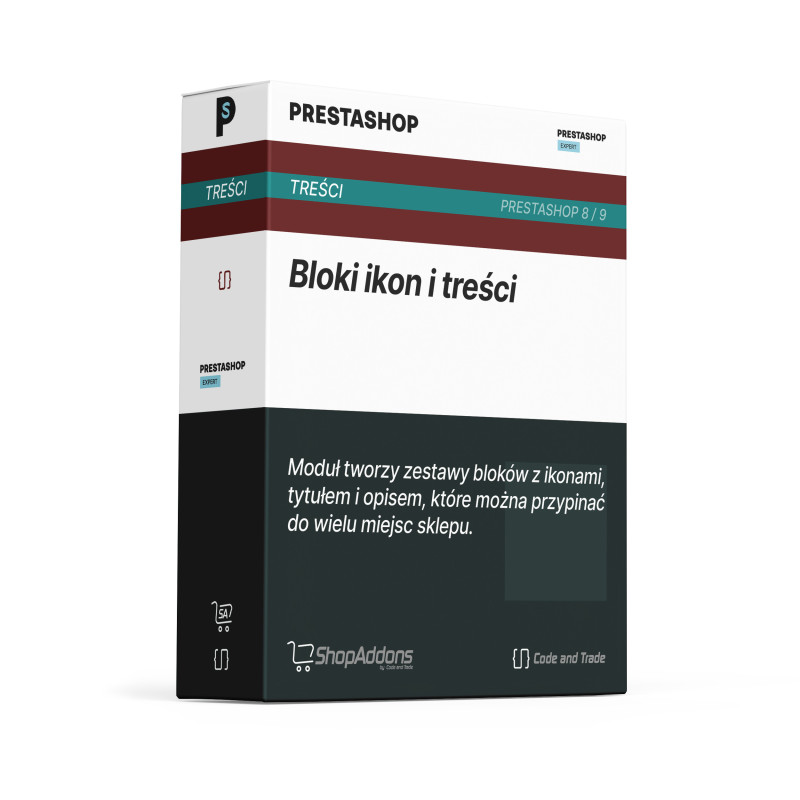
Customers quickly understand the most important store promises, such as delivery, returns, payment or service benefits. Icon blocks make these messages easy to scan.
The module manages a list of icon blocks and displays them in selected hooks.
The merchant can highlight key advantages without preparing custom graphics or editing templates.
The customer gets short, visual information that supports the purchase decision.
- Step 1: Installation: Install the module and go to block editing.
- Step 2: Configuration: Add icons, titles, descriptions, order and display locations.
- Step 3: It works automatically: The module displays icon blocks in selected hooks.
Can I create several icon blocks?
Yes. You can manage multiple items.
Can I use it for payment and delivery benefits?
Yes. It is designed for that type of communication.
Can I decide where blocks appear?
Yes. Placement is controlled by hook settings.
The module is designed for Prestashop versions 8/9.
Instruction manual for CNT Content Icon Blocks
You can see the module in action in the Prestashop 9 demo
The module displays a visual category block and can automatically use the native image of the current Prestashop category.

The module adds a scrollable carousel of HTML content tiles. It works well for collections, campaigns, guides, benefits or links to important store...
The module lets you add a lightweight YouTube or Vimeo video block in a selected store location. It is a simple way to show a product, instruction,...
The module lets you add one configurable HTML block in a selected store location. It is a fast way to publish a banner, message, promotional...