



Category Image Plus
The module displays a visual category block and can automatically use the native image of the current Prestashop category.
zł149.00

Customers notice a visual section that stands out from standard content. A parallax block can emphasize a campaign, brand message or important offer.
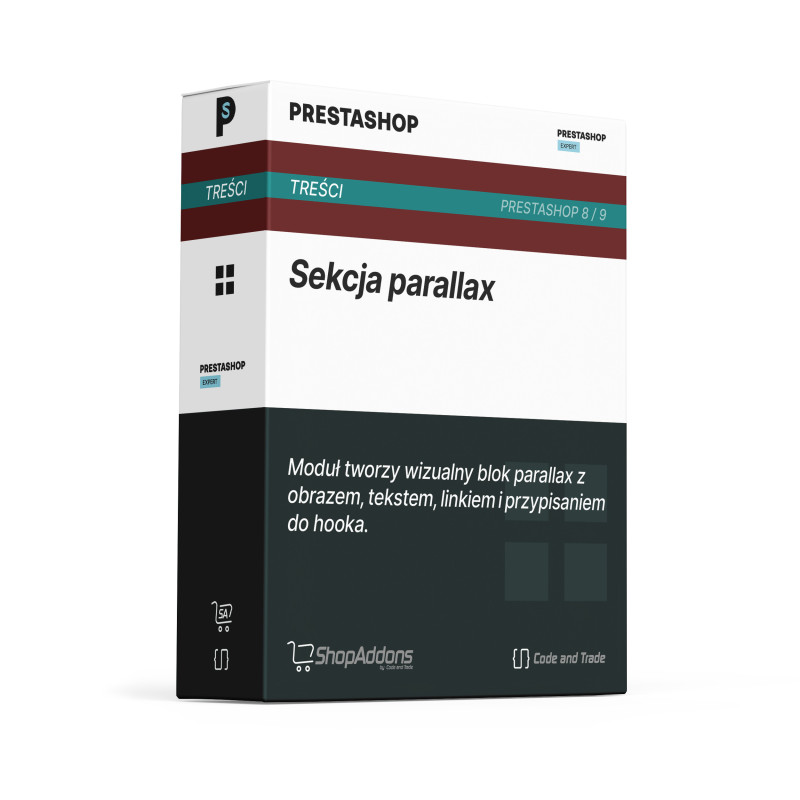
The module renders a configurable parallax marketing block.
The merchant can add a stronger visual sales section without rebuilding the theme.
The customer sees a clear highlighted message with a direct next action.
- Step 1: Installation: Install the module and choose the hook.
- Step 2: Configuration: Fill in block content, CTA link and optional CSS class.
- Step 3: It works automatically: The parallax section appears in the selected store location.
Can I add a CTA button?
Yes. The module supports a link used as a call to action.
Can I change the text?
Yes. Heading and content are configurable.
Is it only for the homepage?
No. It can be displayed in selected hooks.
The module is designed for Prestashop versions 8/9.
Instruction manual for CNT Parallax Box
You can see the module in action in the Prestashop 9 demo
The module displays a visual category block and can automatically use the native image of the current Prestashop category.
The module lets you add one configurable HTML block in a selected store location. It is a fast way to publish a banner, message, promotional...

The module adds a carousel of customer opinions and reviews. It helps show social proof on the homepage, product page or promotional sections.
The module lets you add a lightweight YouTube or Vimeo video block in a selected store location. It is a simple way to show a product, instruction,...