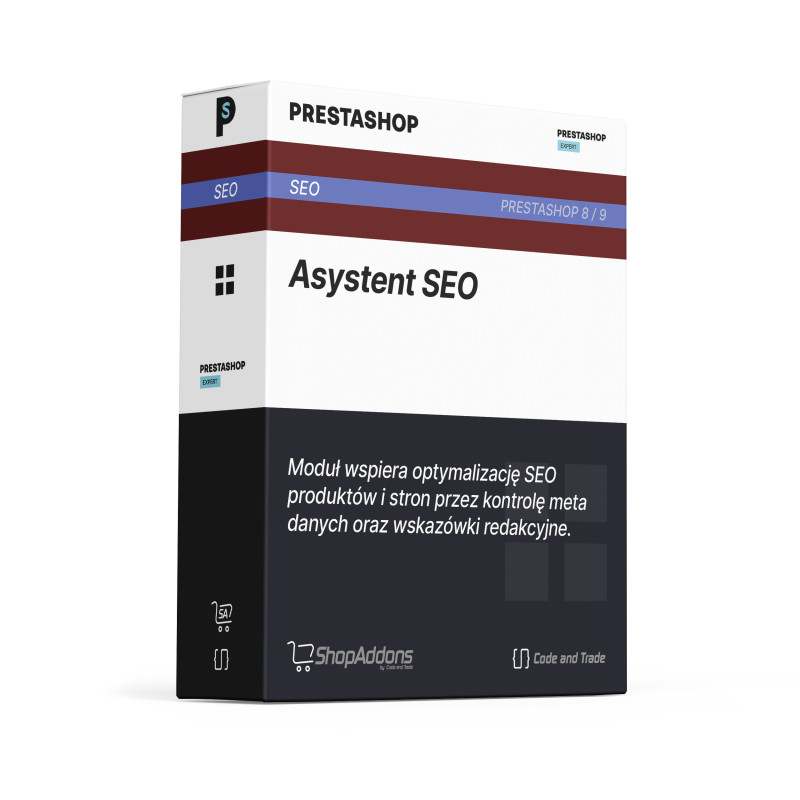
The module helps control basic SEO elements in the store: missing metadata, duplicate titles and JSON-LD structured data. It makes it easier to catch issues that can reduce offer visibility.
Why will your customers like it?
Customers reach better prepared pages from search engines and see more consistent product and category information. Good SEO hygiene helps the store be easier to find.
What can the module do?
The module audits selected SEO elements and can add active structured data on the storefront.
- audit of missing metadata
- duplicate title detection
- JSON-LD structured data type selection
- result limit settings
- back-office lists of SEO issues
Benefits for you, the merchant
The merchant gets a practical checklist of SEO issues without manually reviewing every page.
- faster detection of missing metadata
- better control over duplicated titles
- structured data support from configuration
- clear issue lists in the panel
- easier ongoing SEO maintenance
What does your customer gain?
The customer benefits from clearer search results and better organised product information.
- more accurate page snippets when search engines use metadata
- better structured product and store information
- more consistent content signals
- easier discovery of relevant offers
How does it work? (3 simple steps)
- Step 1: Installation: Install the module and open configuration in the Prestashop panel.
- Step 2: Configuration: Enable the audit, set the result limit and choose JSON-LD data types.
- Step 3: It works automatically: The module shows SEO issue lists in the panel and adds active structured data on the storefront.
Frequently asked questions (FAQ)
Does the module replace a full SEO agency audit?
No. It helps catch common technical and content issues inside the store.
Can I choose structured data types?
Yes. JSON-LD types can be selected in configuration.
Does it help with missing metadata?
Yes. Missing metadata is one of the audit targets.
Additional information
The module is designed for Prestashop versions 8/9.
Instruction manual for CNT SEO Assistant
You can see the module in action in the Prestashop 9 demo
Go to demo