



Related Mini Tiles
The module adds compact mini tiles on product pages that can be used for related products, accessories or cross-sell links.
zł179.00

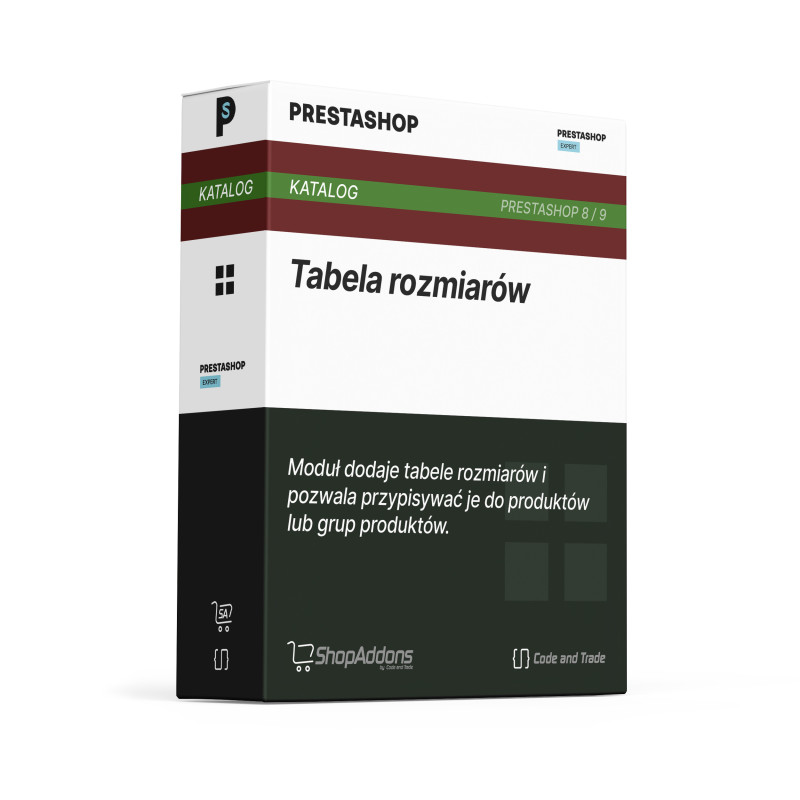
Customers can check size information without leaving the product page. A clear table reduces hesitation and can lower the risk of wrong-size purchases.
The module displays a size table modal opened from the product page.
The merchant can provide size guidance without changing product templates.
The customer can quickly check measurements before choosing a variant.
- Step 1: Installation: Install the module and choose a hook on the product page.
- Step 2: Configuration: Enter the size table in the content field, preferably keeping the cntsizetable__table class.
- Step 3: It works automatically: A button appears on the product page and opens a modal with the table.
Can I enter my own table?
Yes. The table is prepared in the content field.
Does it open in a modal?
Yes. The product page button opens the size table modal.
Can I use it for different products?
Yes, depending on where and how you place the module content.
The module is designed for Prestashop versions 8/9.
Instruction manual for CNT Size Table
You can see the module in action in the Prestashop 9 demo
The module adds compact mini tiles on product pages that can be used for related products, accessories or cross-sell links.
The module displays recommended products as an upsell or cross-sell block on product pages and shopping locations. It helps increase cart value...

The module adds navigation through product-page sections. JavaScript collects visible headings from description, details and other blocks, then...
The module lets you add a lightweight YouTube or Vimeo video block in a selected store location. It is a simple way to show a product, instruction,...